 The
Claude for Small Business
Made for small-business owners who already use tools like QuickBooks, Xero, Shopify, Stripe, PayPal or HubSpot and want an AI that does the weekly admin (books, cash, invoices, leads, posts) for them to approve.
Anthropic's package of connectors and ready-to-run AI workflows inside Claude Cowork that handle small-business bookkeeping, cash forecasts, invoice chasing, lead replies and marketing, with the owner approving before anything sends, posts or pays. See the plans and prices below.
Created by claude.com
Based on public information — not tested
Last checked: · sources linked below
- No free plan
- Prices published
- Checked 8 Nov 2026
- Independent, not affiliated
How it works for your business
Made for: owner-run small businesses, online shops (Shopify, Stripe), contractors and trades that write proposals, bookkeepers and accountants serving small clients, local service businesses that get after-hours leads
- Month-end bookkeeping and chasing unpaid invoices take whole evenings Month-end close workflow and an invoice chaser that queues reminders for you to approve Books closed and overdue money chased in minutes of review instead of hours
- Not knowing if there is enough cash to make payroll Payroll planning with a 30-day cash forecast from your accounts Cash problems seen weeks ahead, not on payday
- Leads that come in after hours go cold After-hours lead replies with meeting times, sent once you approve More leads answered while they are still interested
What it does for you
Key things Claude for Small Business is built to do
15 agentic workflows across finance, operations, sales, marketing, HR and customer service, plus 15 skills
Monday brief
Cash, weekend sales, the week ahead and today's priority on one page.
Month-end close
Reconciles the books, flags mismatches and writes a plain-English P&L and close packet for your accountant.
Payroll planning and 30-day cash forecast
Never lose a lead
After-hours replies with meeting times.
Marketing
Finds slow periods, reviews HubSpot campaigns, drafts a promo plan and makes Canva assets.
Who it's for
Is Claude for Small Business right for you?
Best for
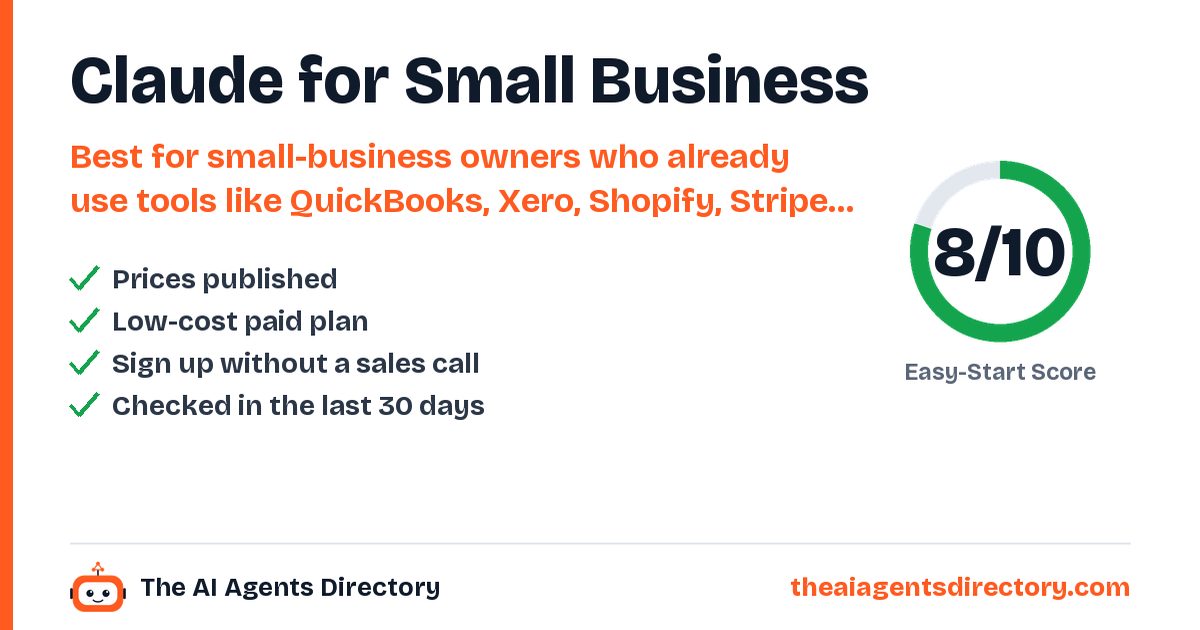
Small-business owners who already use tools like QuickBooks, Xero, Shopify, Stripe, PayPal or HubSpot and want an AI that does the weekly admin (books, cash, invoices, leads, posts) for them to approve.
Industries
Also filed under: Workflow Automation · Data Analysis · Marketing Content
Pricing
Claude for Small Business pricing
Pricing as summarised from the vendor's own pages.
Prices change. Confirm on the vendor's own pricing page before you buy.
Buy / try Claude for Small BusinessGet started
How to get started with Claude for Small Business
- Get a paid Claude plan
Pro for one person or Team for a business with more than one (month to month), from claude.com/pricing.
- Connect your tools
Link your accounting, CRM, email and payments; each connector is a one-click setup and you can start with just one.
- Install the Small Business plugin
In Claude Cowork, turn on Claude for Small Business and choose the jobs you want Claude to handle.
- Set each schedule
Choose when each workflow runs: every Monday, at month-end, or when a new lead comes in.
- Approve the work
Claude shows its plan before acting; by default nothing is sent or paid without your sign-off.
What you need
- A paid Claude plan (Pro or Team per the vendor)
- Accounts for the tools you want to connect (e.g. QuickBooks, Xero, Shopify, Stripe, PayPal, HubSpot, Google Workspace or Microsoft 365)
Steps summarised from Claude for Small Business's own documentation, checked .
Easy-Start Score
How easy is it to get started?
Two points per check, from public information only. Unknown never counts as a fail. How we score
Worth knowing before you start
It is a plugin inside Claude Cowork, not a separate app, so it needs a paid Claude plan; the add-on has no separate price published. By default nothing sends, posts or pays without your OK, so it saves work but still needs you to approve. Claude only sees what your connected accounts allow. Not tested by us.
Compare before you choose
Alternatives to Claude for Small Business
Similar tools, ranked by how easy they are to start with.
Bardeen
GTM automation platform that uses an agentic web scraper and AI to find, qualify and enrich sales leads.
See details →Floqer
Go-to-market AI platform with web agents that build and enrich lead lists, track buying signals and run automated workflows synced to your CRM.
See details →Intuit QuickBooks (AI agents)
QuickBooks Online's built-in AI (Intuit Intelligence) drafts invoices and payment reminders for your approval, creates bills from emails, PDFs and photos you forward, and flags bookkeeping inconsistencies.
See details →Manus
General-purpose AI agent that executes tasks such as research, building websites, slides and files.
See details →Skyvern
Open-source AI agent that automates browser tasks such as logging into portals, filling forms and extracting data.
See details →Zapier
Automation platform connecting 9,000+ apps, with Zapier Agents that carry out tasks across connected tools.
See details →Questions
Quick answers about Claude for Small Business
At a glance: Claude for Small Business: Anthropic's package of connectors and ready-to-run AI workflows inside Claude Cowork that handle small-business bookkeeping, cash forecasts, invoice chasing, lead replies and marketing, with the owner approving before anything sends, posts or pays. It has no free plan.
Does Claude for Small Business have a free plan?
No. Pricing as listed by the vendor: No separate price; runs inside a paid Claude plan. The vendor's page says Pro for one person or Team for a business with more than one (both month to month). Pro $20/month ($17/month billed annually); Team standard seat $25/seat/month ($20 billed annually). Plan inclusion of Cowork: see vendor site.
How much does Claude for Small Business cost?
No separate price; runs inside a paid Claude plan. The vendor's page says Pro for one person or Team for a business with more than one (both month to month). Pro $20/month ($17/month billed annually); Team standard seat $25/seat/month ($20 billed annually). Plan inclusion of Cowork: see vendor site. Prices change, so confirm on Claude for Small Business's own pricing page before you buy.
Who is Claude for Small Business best for?
Small-business owners who already use tools like QuickBooks, Xero, Shopify, Stripe, PayPal or HubSpot and want an AI that does the weekly admin (books, cash, invoices, leads, posts) for them to approve.
What can Claude for Small Business do?
15 agentic workflows across finance, operations, sales, marketing, HR and customer service, plus 15 skills. Monday brief: cash, weekend sales, the week ahead and today's priority on one page. Month-end close: reconciles the books, flags mismatches and writes a plain-English P&L and close packet for your accountant. Payroll planning and 30-day cash forecast. Never lose a lead: after-hours replies with meeting times. Marketing: finds slow periods, reviews HubSpot campaigns, drafts a promo plan and makes Canva assets. Proposals drafted from voice memos and site photos. Connectors named by the vendor: Intuit QuickBooks, PayPal, HubSpot, Canva, Docusign, Google Workspace, Microsoft 365, Xero, Shopify, Gusto, Stripe and more. Workflows run on a schedule you set.
What should I know before starting with Claude for Small Business?
It is a plugin inside Claude Cowork, not a separate app, so it needs a paid Claude plan; the add-on has no separate price published. By default nothing sends, posts or pays without your OK, so it saves work but still needs you to approve. Claude only sees what your connected accounts allow. Not tested by us.
What are the alternatives to Claude for Small Business?
Similar tools in our directory include Bardeen, Floqer, Intuit QuickBooks (AI agents) and Manus, ranked by how easy they are to start with.
How do I get started with Claude for Small Business?
1. Get a paid Claude plan. Pro for one person or Team for a business with more than one (month to month), from claude.com/pricing. 2. Connect your tools. Link your accounting, CRM, email and payments; each connector is a one-click setup and you can start with just one. 3. Install the Small Business plugin. In Claude Cowork, turn on Claude for Small Business and choose the jobs you want Claude to handle. 4. Set each schedule. Choose when each workflow runs: every Monday, at month-end, or when a new lead comes in. 5. Approve the work. Claude shows its plan before acting; by default nothing is sent or paid without your sign-off.
Have you tested Claude for Small Business?
No. This page is based on public information, and we link our sources. We are independent and not affiliated with Claude for Small Business.

Ready to try Claude for Small Business?
Check the plans and see if it fits. Prefer to compare first? We've lined up the alternatives.
Sources
- https://www.anthropic.com/news/claude-for-small-business
- https://claude.com/solutions/small-business
- https://claude.com/pricing
Last checked . See our methodology.
Claude for Small Business is made by claude.com, an independent company. We are not affiliated with claude.com. Features, prices and availability are set by claude.com and can change; we check them on 8 Nov 2026. We are not responsible for how the third-party tool works. Our responsibility covers our own setup service and Care Plan as described in our terms.
Get new tools like Claude for Small Business every week
Free weekly email: the newest AI tools we have checked and setups that work for businesses like yours. See what you get.